How to Convert OST to ICS Format? Easy Solution


User Query: “I need to extract some Outlook calendar events from my OST file and save them in ICS format. Is there any safe way to change OST files to ICS without losing reminders or event details?”
– Daniel R. Wayne
Summary: Outlook stores your mailbox, including emails and calendars, in an OST file. However, OST files work only on the same computer profile and cannot be accessed directly. Hence, this becomes a major challenge for users who want to open or move their Outlook calendar entries to other applications. Therefore, users decide to convert OST to ICS for better accessibility. To help you, this blog explains manual and professional ways to finish the conversion process smoothly. The professional MacSonik OST to PST Converter Tool is also introduced, which is capable of migrating OST files in bulk.
How OST and ICS Files Differ?
To understand better why you must convert OST file to ICS, go through this difference table:
|
Point of Comparison |
OST File |
ICS File |
|
Type |
Offline Outlook data file |
Universal calendar file |
|
Accessibility |
Opens only in Outlook |
Opens in Google, Apple, Thunderbird, and more |
|
Security |
Dependent on the Outlook profile |
tored locally and controlled by the user |
|
Sharing |
Difficult to share |
A single ICS file can be shared easily |
|
Portability |
Restricted |
Can be moved and imported anywhere |
Methods to Convert OST to ICS For Free
In this section, you will find two basic manual methods to change OST to ICS. These methods work only when your Outlook profile and OST file are properly connected.
Method 1: Export OST to ICS Using Outlook
Follow the steps below:
- Initially, open the Microsoft Outlook application on your system.
- After that, navigate to the Calendar view.
- Then, select the calendar or event you want to export.
- Further, click File > Save As and choose ICS as the saving format.
- Finally, save it to your desired location.
Method 2: Drag-and-Drop Calendar Events to Desktop
You can export calendar items manually by dragging them out of Outlook.
Steps:
- First, open Outlook on your system and switch to the Calendar view.
- After that, select one or more calendar items.
- Then, drag the selected events and drop them on your desktop.
- At last, Outlook will automatically save them as .ics files.
Limitations of the Manual Methods
- Cannot change OST files to ICS in bulk.
- Only works if Outlook is running with the same OST profile.
- Folder structure and reminders may not be preserved.
- No option to filter events by date range.
- Time-consuming for users with multiple calendars.
Proficient Method to Convert OST to ICS Files
For a secure and quick conversion method, the EmailDiver OST to PST Converter Tool is the most reliable solution. It extracts calendar data directly from your OST file and saves it in ICS format, eliminating any dependency on Outlook. Moreover, the tool preserves all event details, attachments, meetings, reminders, and scheduling accuracy. Additionally, it supports bulk OST conversion, advanced filters, and provides a secure environment to convert OST files to ICS without data loss.
Professional Steps to Save OST Files to ICS
Follow the steps below to export your OST calendar data:
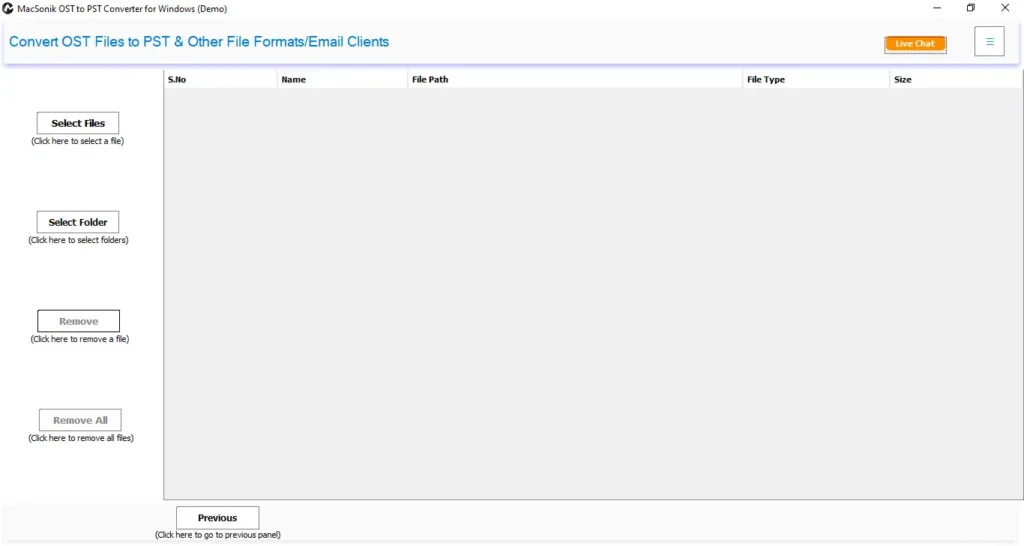
- First, download, install, and launch the OST to PST Converter Tool on your PC.
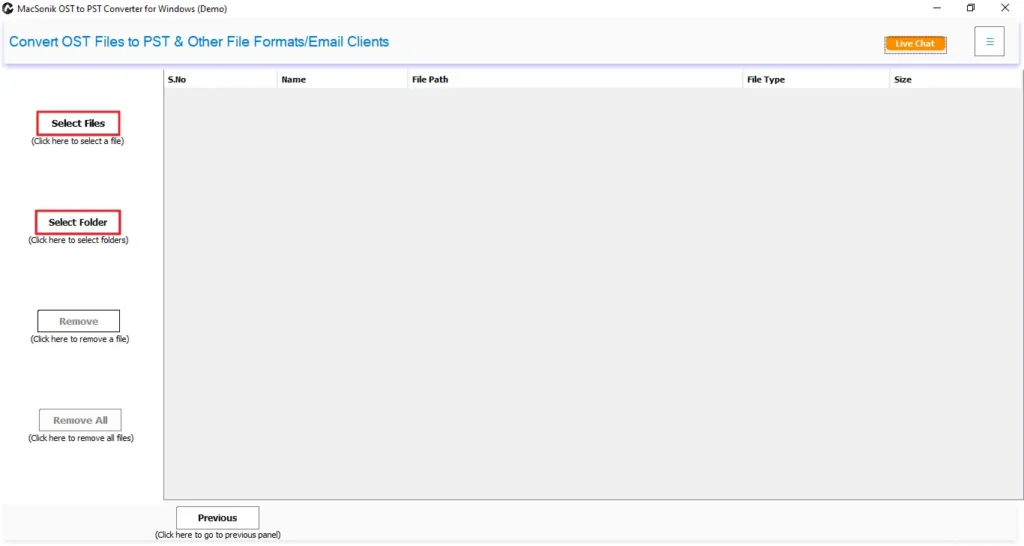
- After that, click on the Select File or Select Folder option to start browsing your OST files.
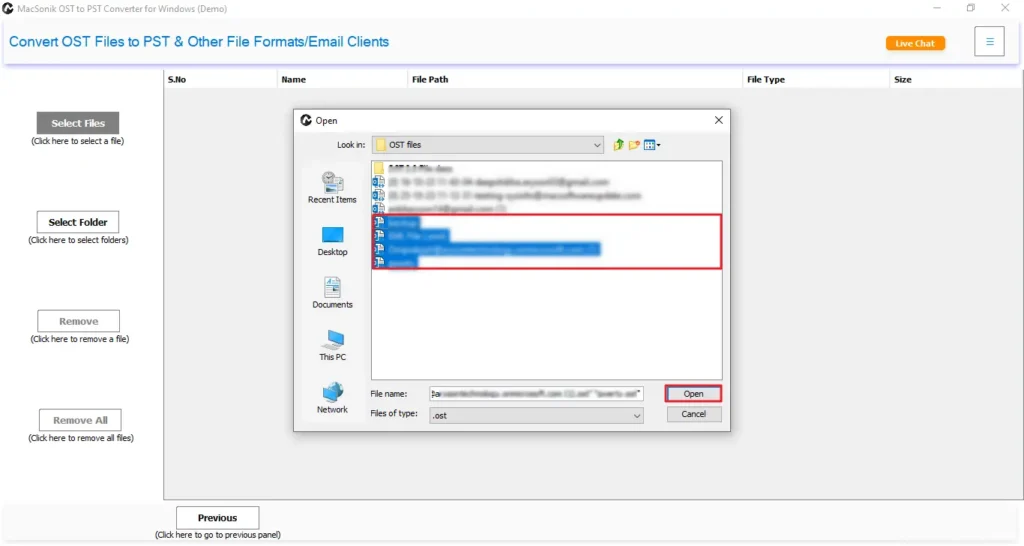
- Then, browse, select, and open the OST files in the software, and then click Next.
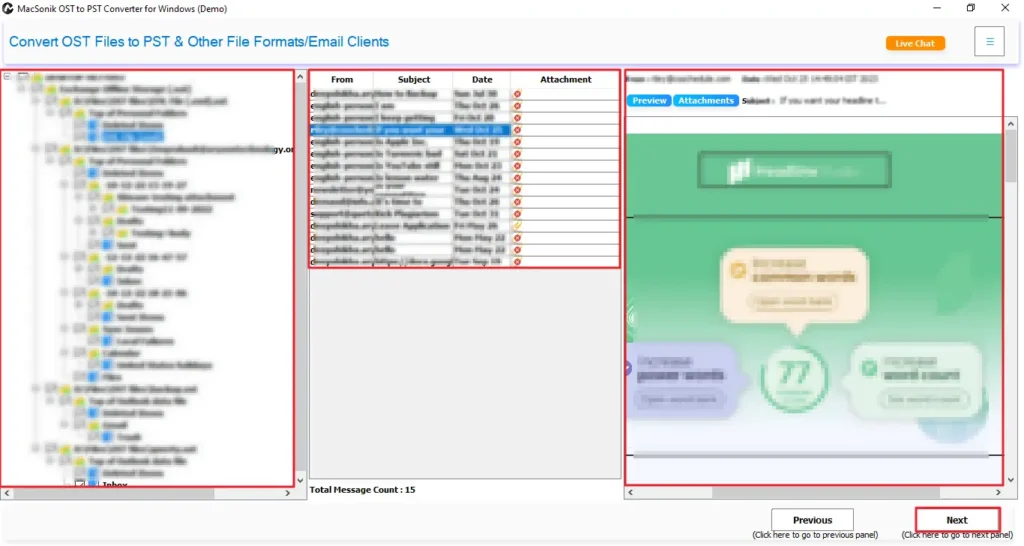
- Now, select the file or folder and preview data and attachments, then click Next.
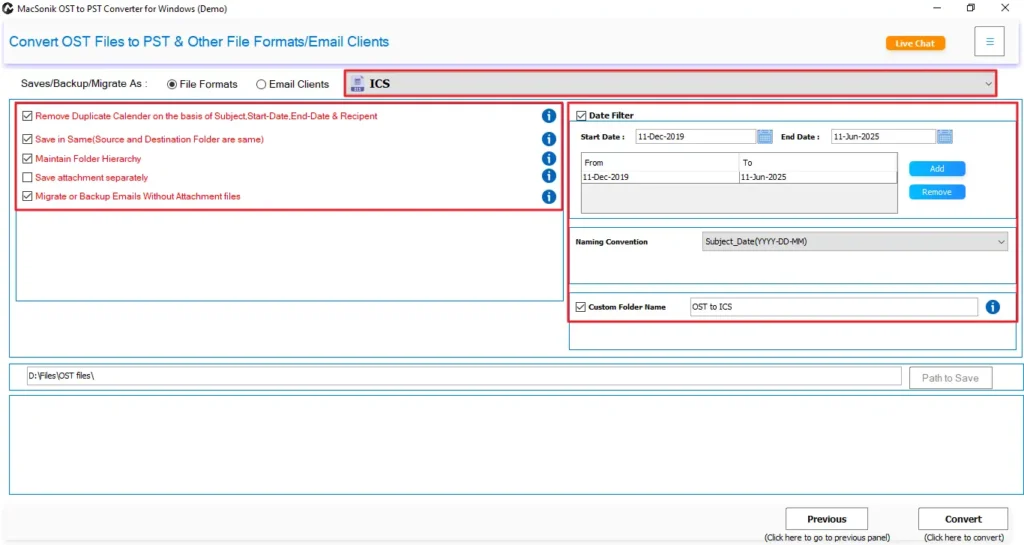
- Further, choose ICS as the Output format and apply the required advanced filters.
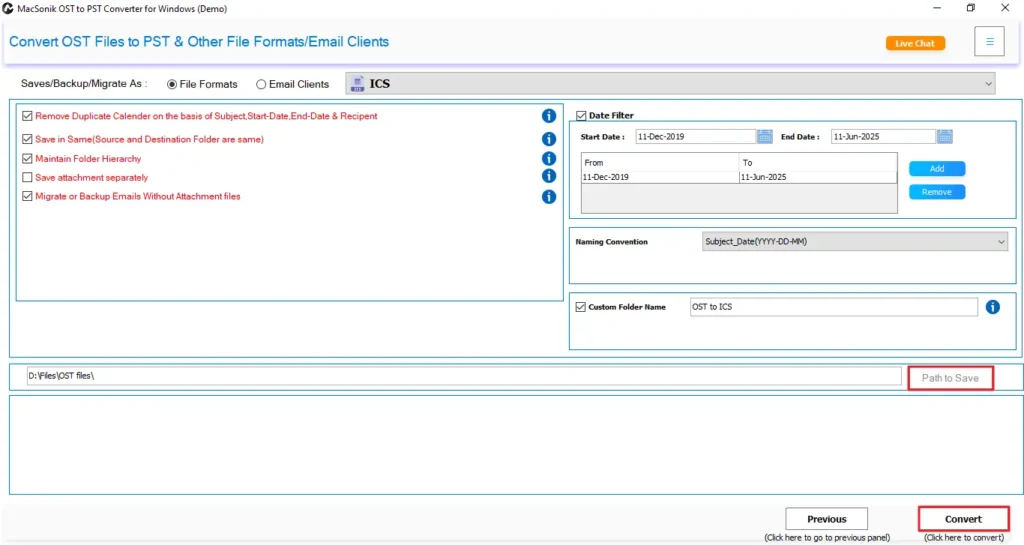
- Finally, select a saving location and click Convert to export OST to ICS.
Conclusion
Outlook OST files cannot be accessed directly without the original Outlook profile, making it difficult to extract or move your calendar entries. Therefore, their conversion into ICS format provides full flexibility, easy sharing, and compatibility with various calendar applications. Hence, this blog discusses the best solutions to convert OST to ICS effortlessly. While the manual solutions work, they are good for limited needs only. Therefore, for bulk, accurate, and error-free conversion, the EmailDiver OST to PST Converter Tool is the best option. It safely helps users export their OST files as ICS, along with complete scheduling details and structure.
Frequently Asked Questions
Q1. How to convert OST to ICS format for a specific date range?
Q2. Is it possible to export OST to ICS with attachments?
Q3. Can I change OST files to ICS in bulk?
Q4. Why is there a need to convert OST to ICS?
Related Post
